Most owners of small B2B firms I talk to have the same problem. They already use AI all the time - Copilot in Outlook, ChatGPT for drafting, Notion AI for notes - but it's not connected. They copy something from one tool, paste it into the AI, copy the answer back into a spreadsheet, then forward an email about it. The AI is helping. The workflow isn't really getting shorter.
A real-estate development CEO in Oslo described it to me on a call last month. He said they use AI all the time but it's not an overall strategy, you ask the AI, you copy it, you paste it, you do something there. He could see exactly where time was leaking. He just couldn't see how to plug the leak without breaking the way his team already worked.
That gap - between "we use AI" and "AI does the work end-to-end" - is what AI workflow automation means for a small firm. If you're an owner who wants a straight answer on which work pays back fast with the tools you already pay for, where the off-the-shelf path runs out, and what to do when it does, keep reading.
What AI workflow automation means in a small firm
Plain version. A workflow is a sequence of steps you or your team do over and over - a maintenance request comes in, you read it, classify it, message the tenant, assign a handyman, log it in DoorLoop. AI workflow automation means software that does most of those steps for you, with an AI model in the middle making the judgement calls that used to need a human.
Two pieces matter. The first is the connection layer - the thing that moves data between your CRM, your email, your spreadsheet, and your accounting tool. The second is the AI layer - the model that reads unstructured input like an email, a PDF, or a transcript and turns it into a structured decision like a category, a number, or a draft reply.
Most small firms can buy both layers off the shelf. Some can't. The rest of the article is about which side of that line your work sits on.
Where AI workflow automation pays back fast
These are the patterns I see pay back inside a month for firms in the 5-50 person range. I've shipped versions of most of them.
Maintenance request triage (property management)
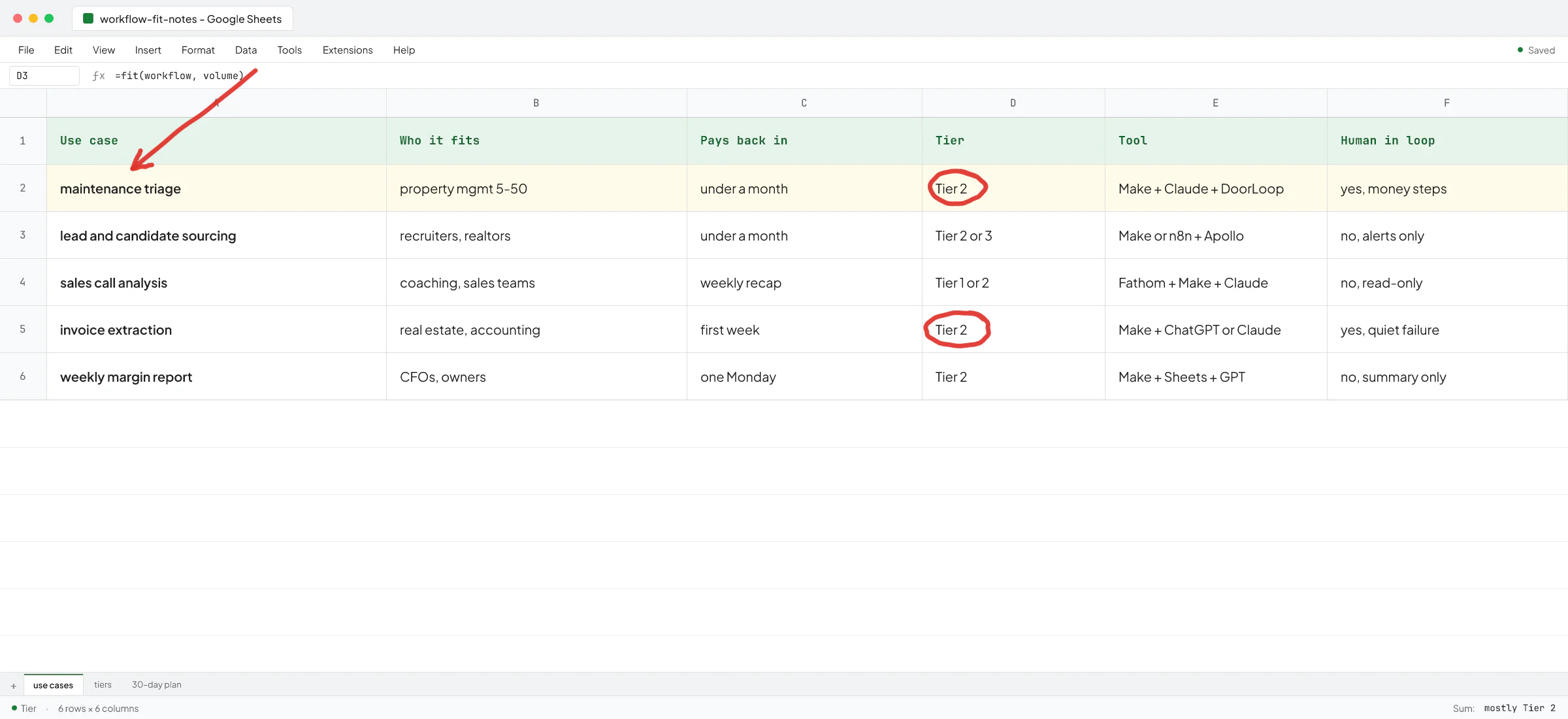
A tenant texts "the faucet in the upstairs bathroom is leaking." A small property management firm I talked to was doing this by hand - reading the message, asking for photos, deciding if it's urgent, creating a project in their system, assigning someone. Multiply by 30 units and that's a half-day a week of an owner's time.
The automated version reads the incoming message, asks the tenant for photos and location if missing, classifies urgency, creates the work order in DoorLoop or whatever you use, and notifies the right handyman. A human still approves anything that touches money or the unit. I wrote up the use-case fit and where AI helps in AI for property management companies if you want the longer version.
Lead and candidate sourcing (recruitment, real estate)
This is the one with the strongest ROI when it works. At a recruitment AI startup I work with as a contractor, I built an end-to-end job-monitoring agent that watches job portals, filters new postings against each recruiter's preferences, finds matching candidates in Apollo, and pushes a WhatsApp or email notification with the details. The recruiter wakes up to a shortlist instead of a spreadsheet.
The same pattern works for realtors watching new listings, for accountants watching new RFP postings, for anyone whose day starts with scanning a list of new things and figuring out which ones matter.
Sales call analysis
A fitness-coaching founder told me his team had run over 100 sales calls and he could see individual call summaries but couldn't see anything across them. Which objections recur. What language buyers use about pricing. Which ad creative pulled in which kind of buyer.
Fathom or any AI call recorder gives you per-call summaries. The automation part is feeding the transcripts into a model on a weekly schedule with a prompt that aggregates - here are the five most common objections this week, here's the language buyers used about pricing, here's the new pattern that wasn't there last month. The output lands in Slack on Monday morning and nobody is doing it by hand.
Invoice and document extraction
A real-estate firm in Oslo had a construction lead manually sorting thousands of invoices in PDFs - reading them, categorizing them, putting them into a tracking sheet. This is one of the most over-manual processes in small B2B firms and one of the easiest to automate. ChatGPT, Claude, and Copilot all do it well now. The work is in the plumbing - getting the PDFs to the model and the structured output back into your spreadsheet or accounting tool. I wrote a full guide on this in extract data from PDF to Excel.
Weekly reports and dashboards
Every CFO I've spoken to says some version of "I want to see margin by project and I can't." The data is in TripleTex or QuickBooks or three Google Sheets and a CRM. The fix is a small weekly job that pulls from each source, has an AI model fill in the gaps where data is messy, and posts a clean summary into Slack or email every Monday.
Which tool you start with
There are three tiers and you should pick the lowest one that solves your problem.
Tier 1: features already inside the tools you pay for
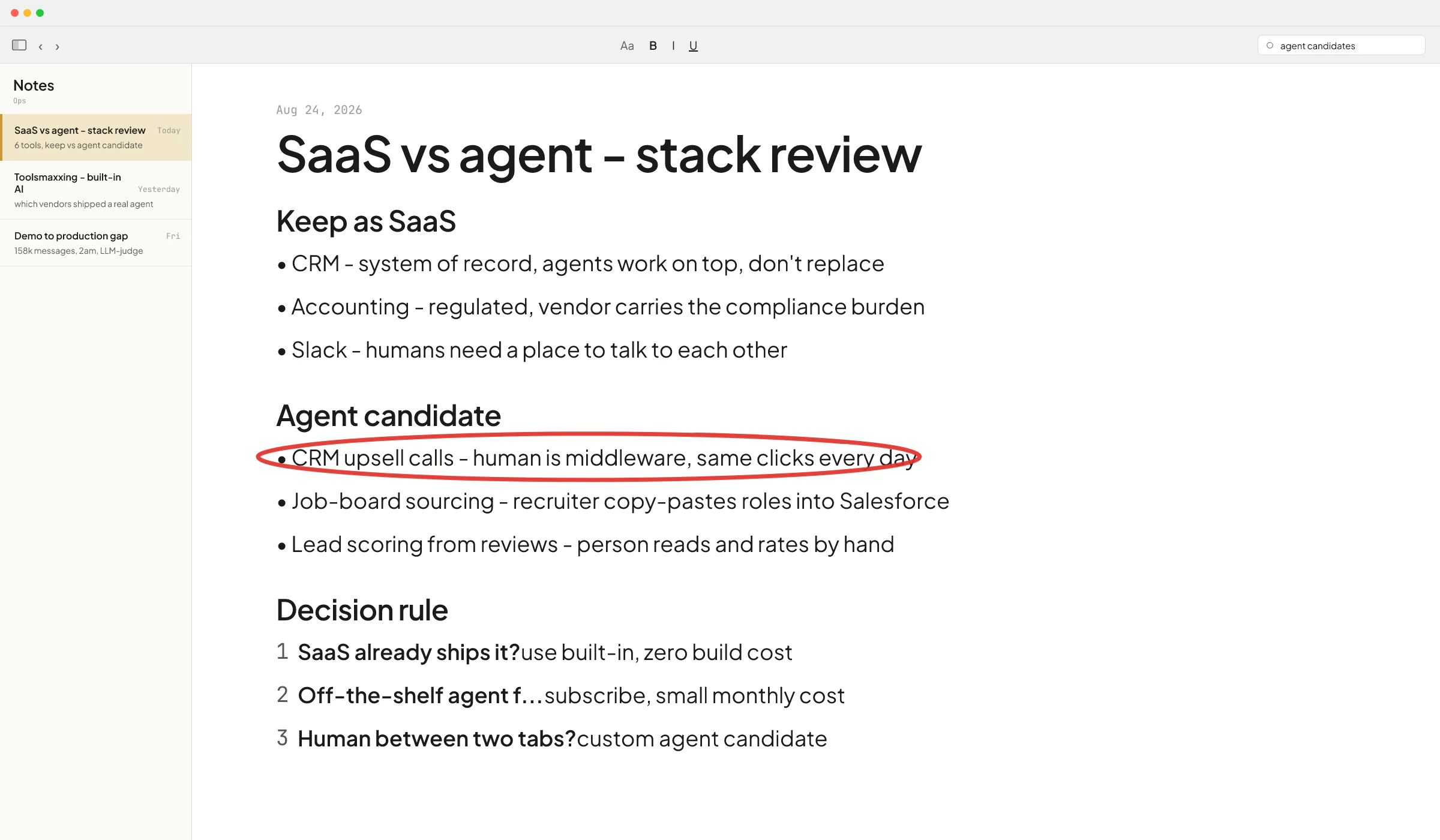
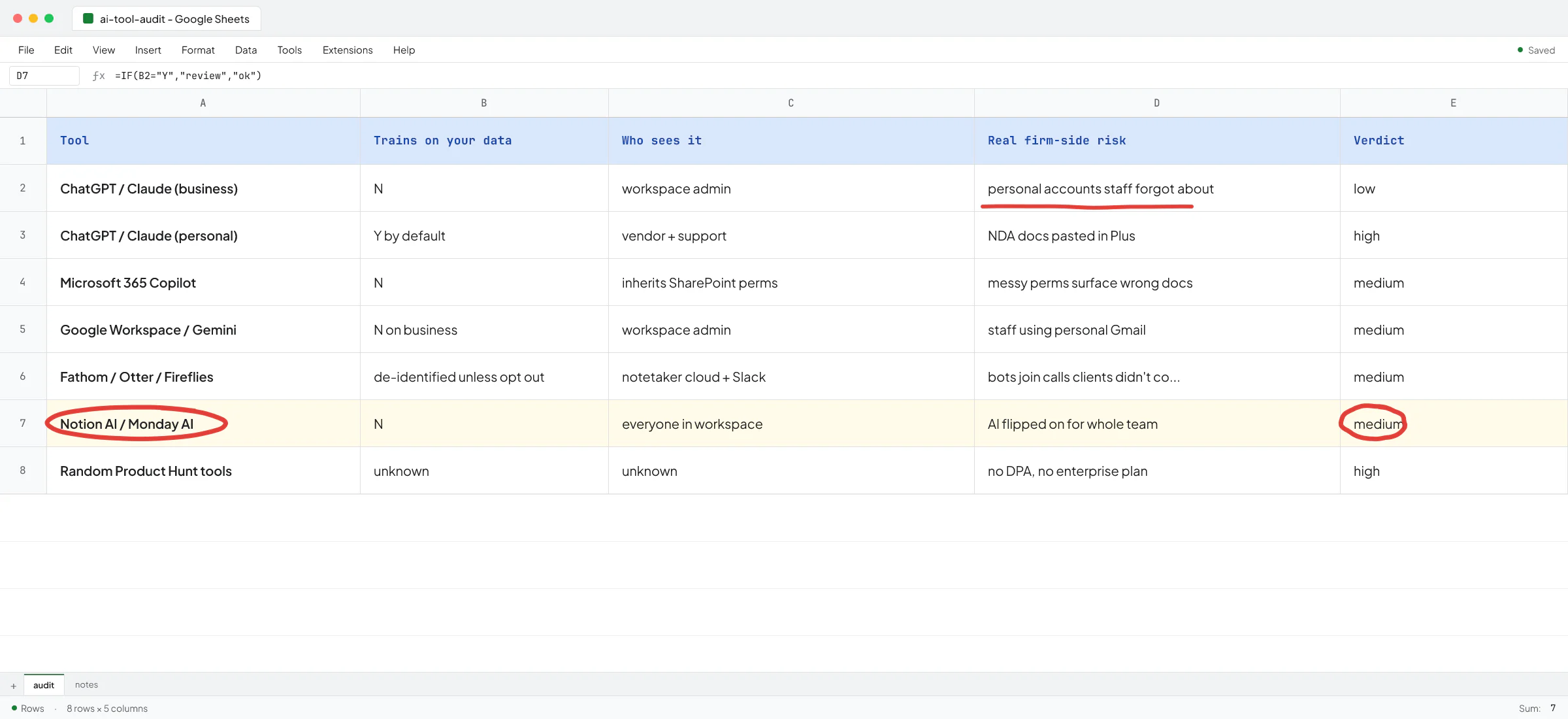
Toolsmaxxing. Notion has built-in AI for drafting and structuring pages. Monday.com has built-in automations and dashboards. QuickBooks has AI bookkeeping features. ChatGPT and Claude have Projects and custom GPTs that handle a surprising amount of recurring work without any plumbing at all. Before you sign up for another SaaS, see what your current stack already does. I wrote up the playbook in toolsmaxxing.
Tier 2: a workflow automation platform plus an AI model
This is where most small firms land. You pick one of three:
- Make.com - the cheapest entry point. The free plan covers 1,000 operations a month and paid starts at $9/month for 10,000. Best for non-technical owners. Visual builder, lots of pre-built connectors.
- n8n - more powerful, harder to learn. Cloud Starter is €20/month for 2,500 executions, or you can self-host the community edition for free if you have someone technical. Better if you expect to outgrow Make.
- Zapier - the legacy option. Professional starts at $19.99/month. Widest app catalog. Often overkill and overpriced for what small B2B firms actually need.
I wrote a deeper comparison in n8n vs Make for small B2B firms. The short version: start with Make unless you already know you'll outgrow it.
Tier 3: custom code
You hit this tier when one of a few things happens. Your workflow has too many edge cases for a visual builder to stay sane. You need to integrate with a system that has no API or a legacy one (the pest-control CRM I integrated at Sellify AI - the AI startup where I spent two years building CRM-integrated sales agents - is exactly this pattern, and that integration became a competitive moat that helped onboard a big enterprise client; Sellify's technical co-founder Ivan Nikolaichuk wrote about working with me in his LinkedIn recommendation). Or you need behavior that's only stable with proper testing, monitoring, and a real codebase.
A founder told me on a call recently he'd been using Make for a year and the scenarios had grown into a tangle nobody could maintain. That's the signal. When the builder becomes the bottleneck, you've outgrown it.
The mistake I see most often
Owners pick the wrong tier. They reach for tier 3 when tier 2 would do, or they try to make tier 1 do tier 3's job and get stuck.
Ove André Remme - founder of Terapivakten, a Norwegian therapy and addiction-prevention practice - had hired a freelancer to build a course-builder using a ChatGPT custom GPT (tier 1). The freelancer spent two weeks and delivered a custom GPT that generated 40% less content than needed and went off the rails when pushed. The work was tier 3 work all along - a real application with prompt orchestration, retry logic, and a real UI. Ove recorded a video explaining what happened and how the rebuild went after he came back to me. His LinkedIn recommendation puts it shorter: "Vlad saw what I was trying to create before I'd even fully explained it."
The same wrong-tier call shows up inside real products. A client whose SaaS serves staffing agencies asked me to fix the prompt on their AI agent - it took over a minute to respond and returned malformed JSON about one time in ten. The prompt was never the problem. I rebuilt the single overloaded agent as a team of agents working in parallel, and responses dropped to five to seven seconds with the JSON errors gone.
The reverse mistake costs more money. A small firm with five maintenance requests a day does not need a custom-built agent platform. Make plus Claude plus DoorLoop's API will do it, and you'll have it running this month.
How to decide whether to do it yourself
Three honest tests.
- Can one person on your team draw the workflow on paper start to finish? If not, you're not ready to automate it. Map first. Most firms skip this and try to automate a mess.
- Does the work involve handing off between two or more systems that don't natively talk to each other? If yes, you need tier 2 or tier 3.
- Will the workflow break loudly or quietly when it fails? An invoice extraction with one wrong number is a quiet failure - the books look fine and you lose money. Anything quiet needs a human in the loop and proper guardrails.
At Sellify AI we used a small, fast model as a judge to check the main model's output before any customer-facing action (Sellify CEO Thomas K. Lundberg wrote about trusting me with that kind of work in his recommendation). That's the kind of pattern you build into custom systems. A visual builder will let you skip it. Skipping it is how AI deletes an inbox, which has happened, and it's a design problem not an AI problem.
When to bring in outside help
A small firm hits this point when the value of the automation is clearly bigger than the cost of building it, and nobody on the team has both the time and the skill to ship it. Usually around the third or fourth workflow, once the first one or two have paid for themselves and the owner can see the pattern.
The HomeTeam case study from my time at Sellify AI is the clearest version of this I can point to. HomeTeam is one of the largest pest control operators in the US. They had hundreds of thousands of existing customers and no manpower to run cross-sell campaigns to them. The AI sales system Sellify built generated over a million dollars in new mosquito service revenue in a single campaign month with zero new hires. The technology mattered but the bigger point is that the right kind of automation can unlock revenue that was sitting there the whole time, invisible.
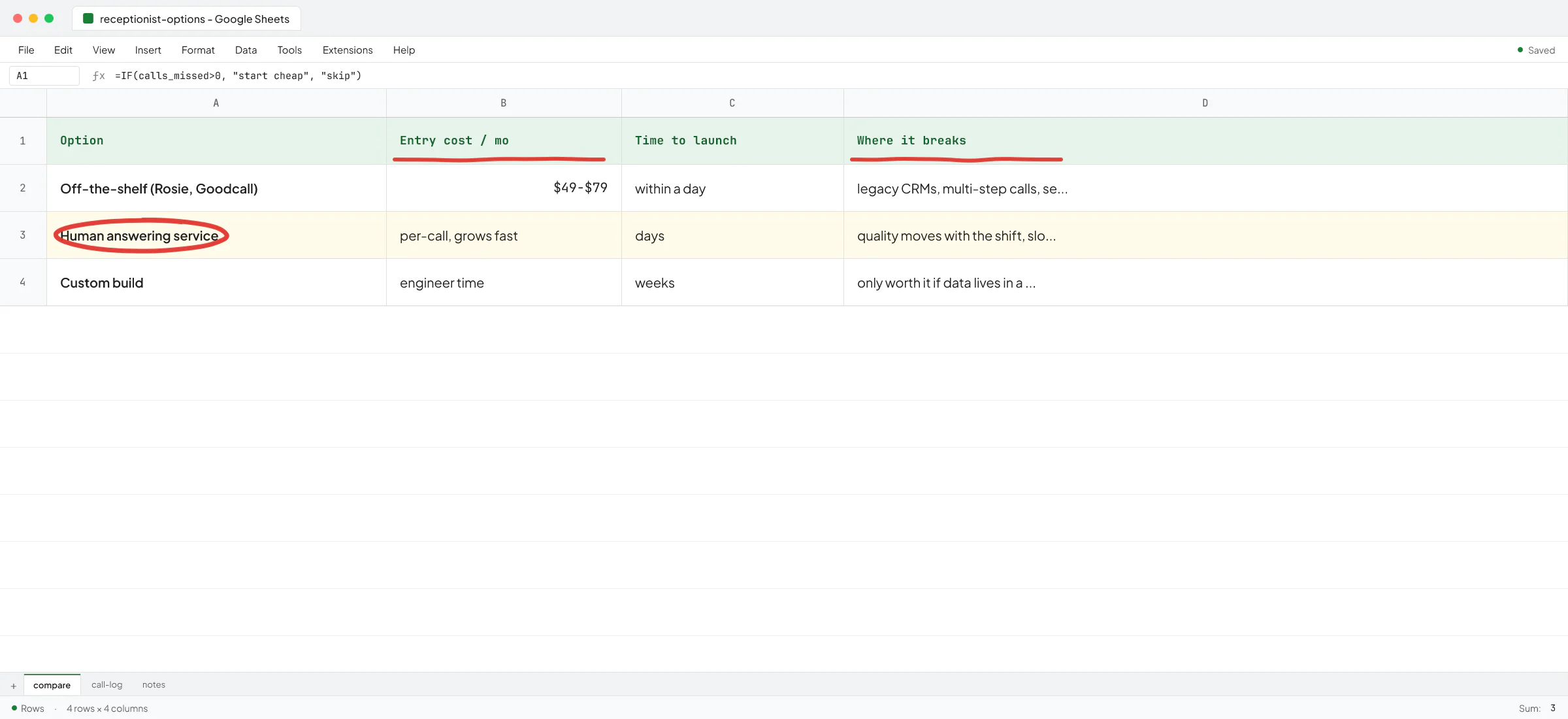
If you want a sense of what the hiring conversation looks like, I covered it in AI consulting for small B2B firms and the closer-related AI consultant vs AI engineer.
A short plan for the next 30 days
If you're starting cold, this is the sequence that works for the firms I've seen.
- Pick one workflow that you do at least weekly and that costs you a real chunk of time.
- Map it on paper. Every step, every handoff, every decision.
- See if Tier 1 (the features inside your current tools) covers it. If yes, stop.
- If no, build the simplest possible Make scenario that does steps 1-3 of the workflow. Don't try to automate all of it. Get one piece running end-to-end this week.
- Watch it for two weeks. See where it breaks. Fix or expand.
After one workflow is running, the second is much faster. After three, you have a sense of where the ceiling is for off-the-shelf and whether the next one needs custom work.
If you've already done this and you're stuck on the workflow that doesn't fit the off-the-shelf path, that's when a conversation with an engineer who's shipped this kind of work is worth more than another tool subscription. Book a call with Vlad and bring the workflow you're stuck on - we'll either map a way through it together or you'll leave knowing it's not worth automating yet, which saves you the build.
FAQ
What is AI workflow automation?
It's software that runs a multi-step business process for you - reading inputs like emails or PDFs, deciding what to do, and acting in your other tools - with an AI model handling the parts that used to need a human's judgement. In a small firm it usually means a tool like Make or n8n connecting your CRM, email, and spreadsheets, with ChatGPT or Claude doing the reading and classifying in the middle.
Which AI workflow automation tool is best for a small business?
For most small B2B firms, Make.com is the right starting point. It's cheap, visual, and connects to the tools you probably already pay for. Move to n8n if you outgrow Make's pricing or limits. Move to custom code only when the workflow has too many edge cases or integrations for a visual builder to stay maintainable.
Can ChatGPT automate workflows by itself?
Not really. ChatGPT and Claude can read inputs and produce structured outputs, and Custom GPTs and Projects extend that. But they don't natively connect to your CRM, send WhatsApp messages on a schedule, or watch a folder for new PDFs. You need a connection layer like Make, n8n, Zapier, or custom code to move data between systems.
How much does AI workflow automation cost for a small firm?
The platforms themselves are cheap - roughly $9 to $30 a month for Make, n8n, or Zapier on small-firm tiers, plus whatever you already pay for ChatGPT or Claude. The cost that matters is time. Either yours (a couple of evenings per workflow if you're hands-on) or a contractor's. Custom work costs more upfront and pays back when the workflow handles real volume.
How do I know if I need a custom build instead of Make or n8n?
A few signals. Your scenario in Make has grown into something nobody can maintain. You need to integrate with a system that has no API or only a legacy one. The workflow is critical enough that you need real testing, monitoring, and rollback - things a visual builder doesn't give you. If none of those are true, stay on the off-the-shelf path.
What's the most common mistake small firms make with AI automation?
Trying to automate a workflow nobody can draw on paper. The AI part is the easy part now. The harder part is knowing what you want the workflow to do, step by step. Map first and automate second.