If you run a solo practice or a firm with a few attorneys, you already feel where the time goes. Drafting the same kind of letter for the tenth time this month. Reading through a 40-page lease to find the indemnity clause. Summarizing a deposition for a client who only wants the three things that matter to them.
AI can take a real bite out of that. It can also leak privileged material into a model's training data if you set it up the wrong way, which is a different kind of bad day.
This is a working playbook for what AI does well for a small law firm in 2026, what still needs a human, and when paying for a legal-specific tool or a custom build is worth the money.
Start with the confidentiality question
Most "what AI tool should I use" conversations skip past the only question that matters for a law firm. Before you paste a draft brief or a client email into any chatbot, you need to know whether that text becomes training data for the model.
The ABA closed this loop in 2024. Formal Opinion 512 says that before lawyers input information relating to the representation of a client into a generative AI tool, they must evaluate the risks that the information will be disclosed to or accessed by others outside the firm. That's a duty under Model Rule 1.6. It applies whether you are at a 500-lawyer firm or a one-person practice with a kitchen-table desk.
The practical version is short:
- Free ChatGPT, free Claude, free Gemini, and the consumer Plus/Pro tiers may use your inputs to train models unless you turn that off. Treat them as public.
- The business and enterprise tiers (ChatGPT Business/Enterprise, Claude Team/Enterprise, the API) do not train on your inputs by default. Anthropic says directly: "By default, we will not use your inputs or outputs from our commercial products to train our models". OpenAI has a parallel policy for ChatGPT Business and Enterprise.
- Even on the safe tiers, the ABA opinion suggests boilerplate consent in your engagement letter is not enough for using client confidences in AI. You need real, informed consent.
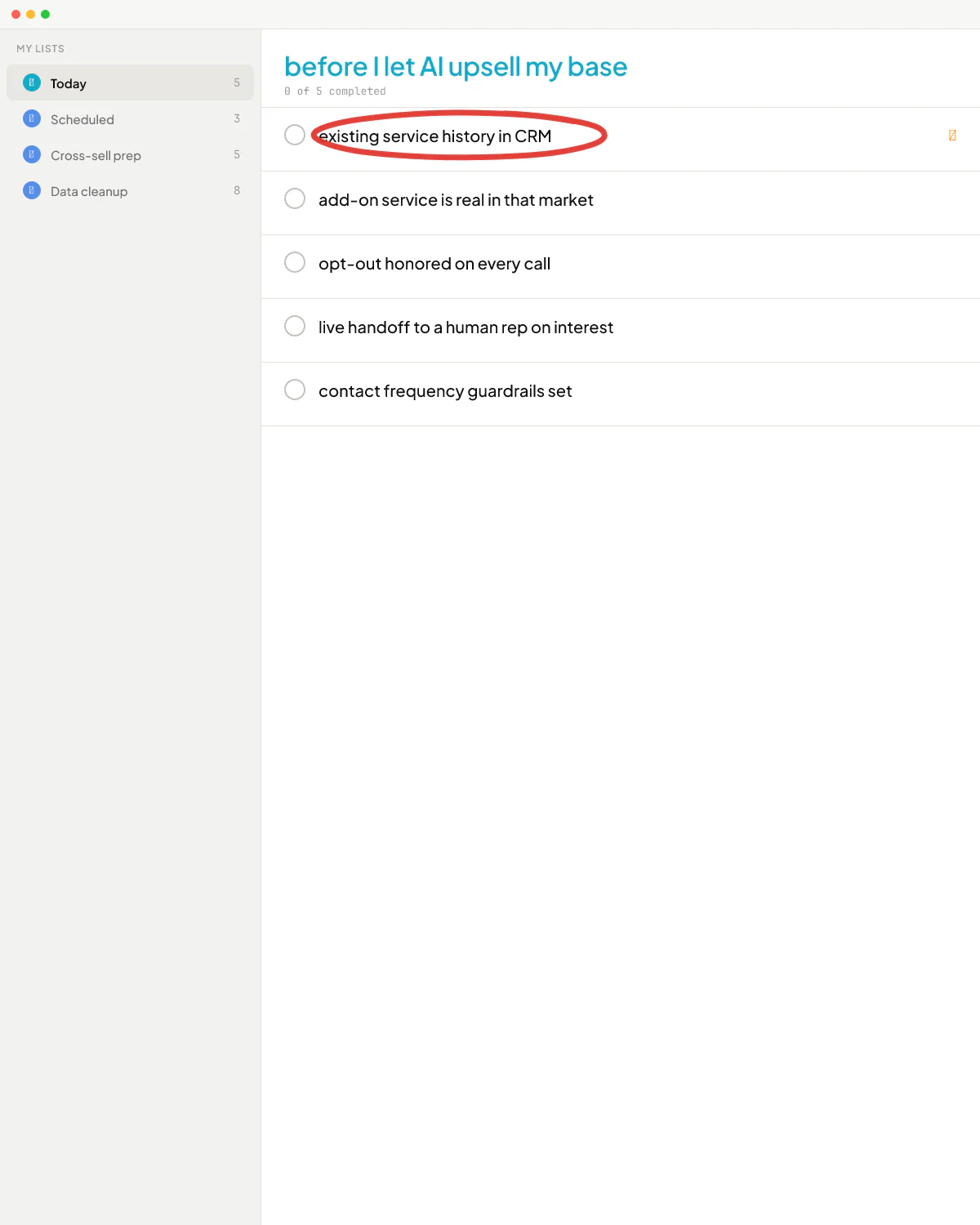
That's the floor. Once you have a safe tier and a sentence in your intake about AI use, the tool question gets a lot simpler. If your team is still pasting client text into personal accounts, the deeper version of this conversation lives in is ChatGPT safe for confidential information.
What ChatGPT or Claude alone already handles
For a solo or 2-5 lawyer firm, the boring truth is that a single ChatGPT Business or Claude Team seat covers more ground than people expect. The work it does well:
- Drafting client emails and update letters from a few bullets you dictate or type.
- Rewriting a long memo into a one-page summary for a client who does not read law.
- Turning a complaint or a contract into a plain-English explanation.
- Translating between English and a client's first language for non-legal correspondence (not the operative document).
- Summarizing transcripts, depositions, or meeting recordings into a list of issues and follow-ups.
- Brainstorming arguments, counterarguments, and the questions opposing counsel is likely to ask.
- Polishing your own writing for tone and clarity, without changing the substance.
A property manager I worked with put it about her own contract drafting in a way that travels: if it used to take her 30 minutes to an hour to draft an addendum, with AI it now takes seconds. That same compression shows up in legal drafting for anything that is a templated letter or a known explanation.
What ChatGPT does not do reliably enough for a law firm, even on the paid tier:
- Cite-checked legal research. It will invent case names that sound right and are not. Mata v. Avianca is the famous one - two lawyers were sanctioned for filing a brief with fake citations a chatbot produced. Treat any case citation from a general chatbot as a hypothesis until you pull the actual opinion.
- Bluebook-perfect formatting.
- Long-document review where you need provenance for every clause you cite back.
- An audit trail showing which model version handled which file.
Those gaps are where the legal-specific tools start to earn their fee. If you are choosing between the two general chatbots first, Claude vs ChatGPT for small business walks through that side of the decision.
Harvey, Spellbook, Clio Duo, and the legal-tool tier
The legal-AI category has three rough flavors: research and drafting (Harvey, Thomson Reuters CoCounsel, Lexis+ AI), contract drafting and review (Spellbook, Ironclad), and practice-management-integrated assistants (Clio Duo, MyCase IQ). The right one depends on the work you do, not on which logo you saw on LinkedIn.
Harvey, CoCounsel, Lexis+ AI
Built for legal research with retrieval-grounded answers and citations to real cases. The pitch is that the model can only cite from a controlled corpus, so it doesn't hallucinate Westlaw cases that don't exist. For litigation-heavy firms, transactional firms doing a lot of regulatory work, or anyone whose week is meaningfully shaped by case research, this tier moves the needle. For a solo doing mostly family law intakes and uncontested matters, it's overkill - you will pay for capacity you don't use.
Spellbook (and similar contract tools)
Lives inside Word. Drafts and redlines contracts from a clause library, flags missing or unusual terms, and suggests fallback language. Best fit: transactional solos and small firms - business formation, commercial leases, vendor contracts, smaller M&A. If your week is mostly "draft this NDA, then this services agreement, then redline what came back from the other side," this is the kind of tool where you stop noticing it because it just lives in your normal flow.
Clio Duo, MyCase IQ, PracticePanther AI
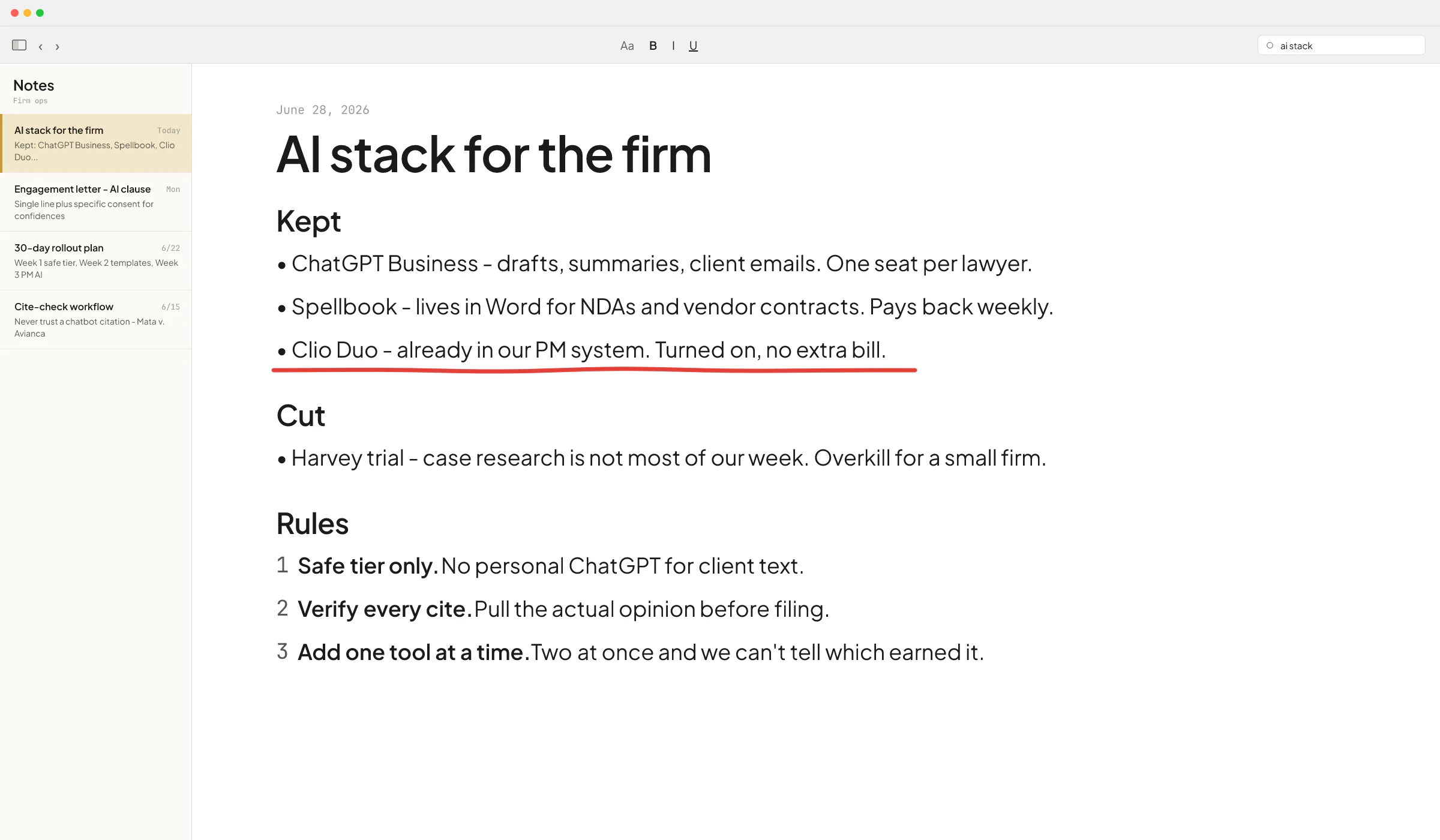
Bundled into your practice-management system. Drafts emails, summarizes matter notes, schedules tasks, drafts time entries from your activity. Lower ceiling than the standalone tools, and it's sitting on top of the data you already keep there. If you are already on Clio or MyCase, turn the AI features on for a month before you buy a second AI subscription - this is the toolsmaxxing version of the question, and for a lot of small firms it is enough.
A use-case-by-use-case fit guide
Here is how I would map work to tools for a small US law firm today.
Client intake and follow-up
ChatGPT Business or Claude Team drafts the welcome email, the document request list, and the follow-up reminders. If you already use Clio or MyCase, run their assistant first - it's one click and already has the matter context.
Drafting standard documents
Engagement letters, simple wills and codicils, basic LLC formation docs, NDAs, demand letters: a paid ChatGPT or Claude seat with a small library of your own templates beats most things. Paste your template, give the facts, get a draft. You review it like you would a junior associate's draft - because it is one.
Contract drafting and review
Spellbook or Ironclad starts to pay back here if you do this work weekly. Less than weekly, and a general chatbot with your firm's clause library in a Project or Custom GPT will probably hold you for another six months.
Legal research
This is where the small-firm wallet gets stretched. The options are: stick with Westlaw or Lexis the way you always have and use ChatGPT only to brainstorm arguments (never as a citation source); add Lexis+ AI or Westlaw Precision AI on top of an existing subscription; or move all-in on Harvey or CoCounsel as a research-and-drafting layer. For most solos and 2-3 attorney firms in transactional or family practice, the first option is fine. For litigators and regulatory specialists, the second pays back fast.
Document review
For solo or small-firm review of a few hundred pages, paid ChatGPT or Claude with file uploads handles "find the indemnity clause, summarize the change-of-control provision, list every party named" surprisingly well. For real e-discovery on thousands of documents you need a real e-discovery platform - that hasn't changed.
Court forms and filings
Stay manual or use whatever your e-filing system provides. AI hallucinations on a court form are not the place to discover the limits of the model.
Marketing and operations
Blog posts, social copy, website refreshes, email newsletters, weekly internal status reports - this is the easy stuff. A single paid chatbot seat covers all of it.
The buy-vs-build line for a law firm
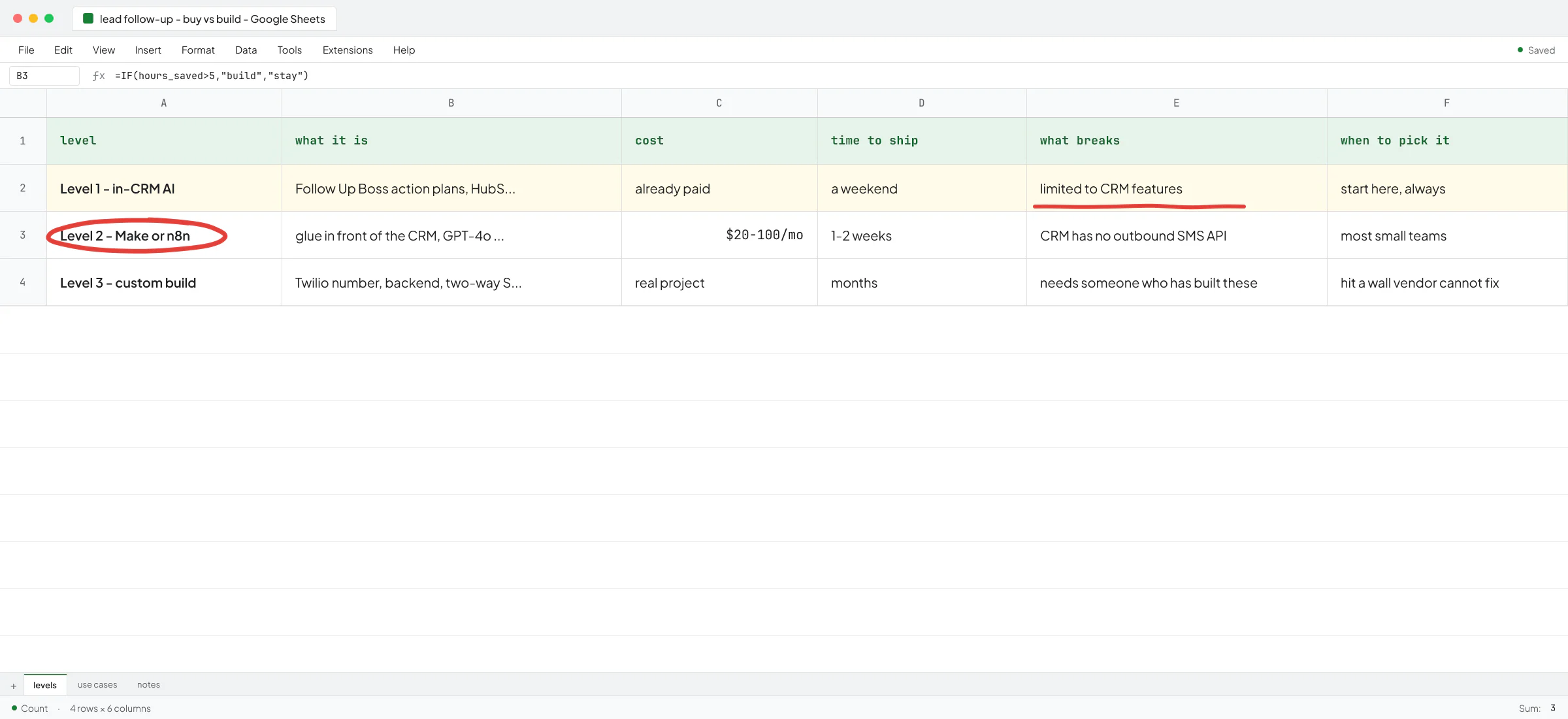
Most solos and small firms never need a custom build. The category I keep watching break that rule:
- A small firm with a heavy repeat workflow that no off-the-shelf tool fits well. Immigration shops processing dozens of similar petitions a month. PI firms managing intake from multiple lead sources into a custom matter pipeline. Closing-heavy real-estate practices.
- A firm where the bottleneck is not drafting but routing - sorting incoming emails, attaching them to matters, flagging urgent ones, and prepping a same-day reply.
- A firm where the data you would feed a chatbot lives in three places and nobody wants to copy-paste between them.
Two patterns from work I have done for non-legal small firms transfer cleanly. At Sellify AI - where I worked for two years building AI sales systems for pest control companies, including under Thomas K. Lundberg, who co-owned Fox Pest before its $350M exit to Rollins - we built CRM-integrated AI that ran customer conversations end to end inside a regulated, complaint-sensitive industry. Thomas wrote, "Vlad has been incredible to work with. Very sharp and understands the intricacies and needs of our company." The hard part there was the same hard part small firms run into: the AI has to live inside a real system of record with real rules, not on top of a chat window.
For a Norwegian client - Ove André Remme at Terapivakten - I built a course-builder application after a prior freelancer's ChatGPT-agent attempt fell short. Ove explains it in the testimonial: "Vlad's signature was 'You cannot make this through a chat agent. You need to do this.'" The lesson for a small-firm owner: a custom GPT is the right answer most of the time. The remaining cases need an actual application around the model. If a vendor is selling you a custom GPT for work that isn't a custom-GPT-shaped problem, you will pay twice.
If you are reading the use-cases above and most of them fit your week, you are in toolsmaxxing territory: a paid chatbot, the AI features inside your practice-management system, and maybe one legal-specific tool. If you are in the second list - heavy repeat workflow, routing bottleneck, scattered data - that is when the AI consultant vs AI engineer conversation starts paying back.
A safe 30-day rollout for a small firm
If you are starting from zero or close to it, the order I would run for a 1-10 lawyer firm:
- Week 1. Pick one safe tier and pay for it. ChatGPT Business or Claude Team. Turn it on for the whole firm at once - mixed seats (some Plus, some Business) are how confidential text ends up on the wrong account.
- Week 1. Add a single line to your engagement letter disclosing that the firm may use AI tools to assist with drafting, research, and administrative work, with appropriate confidentiality safeguards. For matters where you will feed client confidences into AI, get specific informed consent on top of that, not just the letter line.
- Week 2. Move five recurring drafts (your top engagement letter, your top demand letter, your standard NDA, your intake email, your client update template) into a Project or Custom GPT each, with your template as the system prompt.
- Week 3. Turn on the AI features in Clio, MyCase, or whatever you use, and use them for a week before you decide whether you also need Spellbook or a research tool.
- Week 4. Decide. Either the chatbot plus your PM system covers the year, or one specific gap (contract review, legal research) justifies adding one paid tool. Avoid adding two at once - you won't be able to tell which one was worth it.
That is the entire stack for most small firms in 2026.
Where it goes wrong
The failure patterns I see across small-firm AI rollouts, not only legal:
- Buying three tools at once and not measuring any of them. Two months later nobody can tell which one is paying back.
- Letting AI write final-form text. AI drafts, you ship. The day you ship something a model wrote without reading it carefully is the day it cites a case that doesn't exist.
- Confusing "the model knows the law" with "the model retrieves the law." General chatbots don't retrieve - they predict. Legal-specific tools retrieve from a controlled corpus, which is why they cost more.
- Treating Clio Duo or MyCase IQ as a checkbox and never turning them on. You are paying for them already.
- Storing client text on a personal ChatGPT account because somebody on the team likes the chat history feature. This is the most common confidentiality break I see in any small B2B firm, not only law.
Not legal advice - check with your state bar's most recent ethics opinion on generative AI before you finalize your firm's policy. State bars are moving fast and several have published opinions that go further than the ABA's.
If you want help mapping which tools fit your firm and which corners are worth a custom build, book a call. I will look at your matter flow, your existing stack, and the work that takes the most hours, and tell you what I would do.
FAQ
What is the best AI tool for solo lawyers?
For most solo lawyers in 2026, the best single AI tool is a paid ChatGPT Business or Claude Team subscription. It drafts client emails, summarizes documents, rewrites memos in plain English, and brainstorms arguments, and it does not train on your inputs. If you do heavy contract work, add Spellbook. If you do heavy case research, add Lexis+ AI, Westlaw Precision AI, or Harvey. The "one perfect tool" framing is wrong - the right answer is one general chatbot plus zero to one legal-specific tool, picked based on the work you do.
Is it ethical to use ChatGPT as a lawyer?
Yes, with conditions. ABA Formal Opinion 512, issued in July 2024, says lawyers may use generative AI but must evaluate the confidentiality risks before inputting any client information, get informed client consent that goes beyond boilerplate in the engagement letter, and verify any output before relying on it. The practical version: use a business or enterprise tier that does not train on your data, get specific consent for confidential matters, and never trust AI legal citations without pulling the actual case.
Will AI replace lawyers in small firms?
Not in any horizon a small-firm owner needs to plan around. AI today is augmentation - it compresses drafting, summarizing, and routine research from hours to minutes. The work that pays small-firm lawyers is judgment, client trust, courtroom presence, and the parts of practice where a human has to be on the hook. What AI does change is leverage. A solo with AI can run a practice that used to need a paralegal and a junior associate.
How much does legal AI cost for a small firm?
The general chatbots are priced per seat per month on their public pricing pages - ChatGPT Business and Claude Team are in a similar range. Legal-specific tools like Spellbook, Harvey, CoCounsel, and Lexis+ AI publish quote-based pricing and run materially higher per seat. For a typical 2-5 lawyer firm, expect to commit to one general-chatbot seat per person and at most one legal-specific tool, and to be paying for it monthly with a normal SaaS contract.
Can AI do legal research without making things up?
General chatbots like ChatGPT and Claude will invent case citations that sound right and are not - this is what got two lawyers sanctioned in Mata v. Avianca. Legal-specific research tools (Harvey, CoCounsel, Lexis+ AI, Westlaw Precision AI) use retrieval against a controlled corpus, so they can only cite real opinions. Even with those, verify every citation before you file. AI gets you to a faster first draft of the research; it does not get you out of the cite-checking step.
Should a small law firm build a custom AI tool?
Most should not. A paid chatbot plus the AI features in your practice-management system covers most small-firm work. Custom builds start paying back when you have a heavy repeat workflow that no off-the-shelf tool fits well (immigration petitions, PI intake routing, real-estate closings), when your bottleneck is moving data between three systems, or when you need the AI to take real actions inside your matter system rather than write text. If you are not sure which side of that line you are on, that is the right conversation to have with someone who has built these systems before.