You run a small firm. Three to twenty people, maybe a partner or two, a handful of bookkeepers, and a tax season that swallows the spring. Clients send PDFs and bank statements at the last minute. QuickBooks or Xero does the heavy lifting, and plenty of work still happens in Excel and email. Every week someone forwards you another article about how AI is going to change accounting.
Most of those articles are useless because they treat "accounting" as one thing. It isn't. There are a few places where AI saves real hours this quarter for a small firm, and several more where it costs money and quietly creates risk. This guide walks through both, in the order I'd actually try them.
Where AI pays back fast at a small firm
Start with work that has high volume, low judgment, and a forgiving error budget because a human still reviews the output before it hits the client's books.
Pulling data out of PDFs and bank statements
This is the highest-leverage starting point in almost every small firm I look at. Clients send receipts, invoices, and statements as PDFs - often scans, often badly. Someone on your team keys them into the books or into a spreadsheet. One CFO I spoke with recently described his month-end as downloading transactions from the bank and then matching them in Excel against the accounting system, manually, line by line. That's data entry pretending to be bookkeeping.
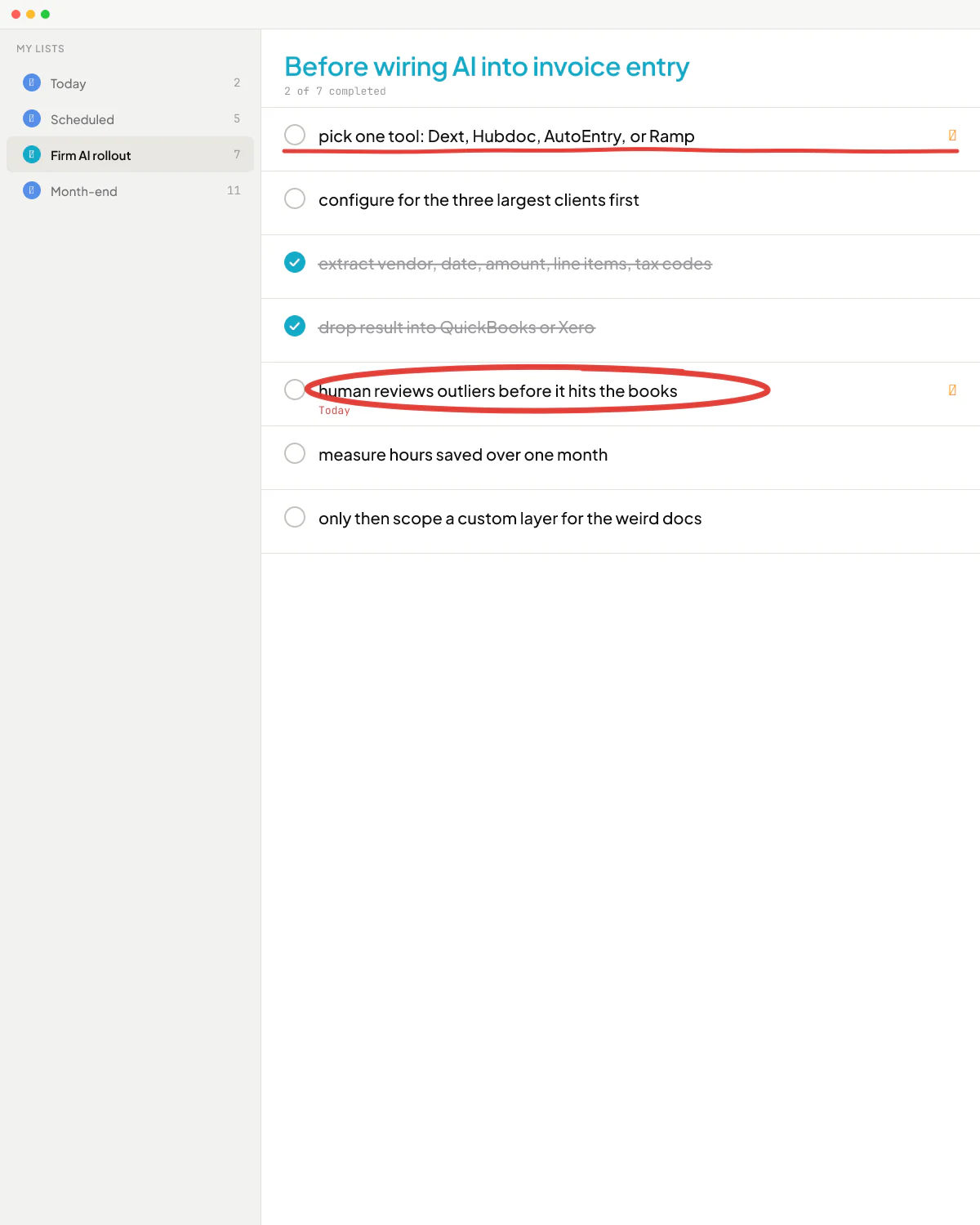
Modern multimodal AI reads scanned PDFs well enough that you can wire it into a tool that already extracts vendor, date, amount, line items, and tax codes, and then drops the result into QuickBooks or Xero with a human checking outliers. Dext, Hubdoc (free with QuickBooks Online), AutoEntry, and Ramp's spend tools all do versions of this. The right move at a small firm is usually to pick one of those and configure it properly before commissioning anything custom. Start by toolsmaxxing what you already pay for - QuickBooks alone includes more receipt and bank-feed automation than most firms use.
You hit the ceiling on the off-the-shelf tools when a client's documents are genuinely weird - hand-annotated invoices from a contractor, multi-currency statements, foreign-language receipts, a vendor whose layout changes every quarter. That's where a thin custom layer on top of the existing tool can be worth it. Sellify AI's biggest competitive moat was exactly that kind of thing on the sales side: a deep, painful integration into a legacy pest control CRM that no competitor wanted to build. "Trusted him with important tasks, and he's always been able to get creative and deliver," wrote Thomas K. Lundberg, CEO of Sellify AI, in his LinkedIn recommendation - that CRM integration was a big part of what he was talking about.
Drafting client communication
Tax reminders, missing-information emails, draft responses to client questions, plain-English explanations of a journal entry. ChatGPT or Claude on a paid business plan handles this well. The trick is templates per client type, not a free-form chat each time. Save the prompt, save the tone, save the boilerplate, and let the partner edit and send.
This one is not a "buy a new tool" decision. The team probably already has ChatGPT open. The work is making sure you're on a plan that doesn't train on your input, and that the team has a clear rule about what goes in. The confidentiality piece is the part most firms get wrong.
Live margin and cash-flow visibility across projects
If your firm bills on a mix of fixed-price and hourly work, you almost certainly do not know which engagements are making money until the books close - sometimes a quarter late. One service-firm owner I spoke with said he gets the report eighteen months after the project finishes, by which point he's already lost two million a year. His CFO wanted it in one sentence: she just wanted to see margin for each project.
This is rarely an "AI" problem in the heroic sense. It is a data plumbing problem with an AI-shaped helper at the end. Pull time entries, vendor invoices, payroll, and revenue into one place, then use a lightweight assistant to summarize trends and flag projects trending under margin. Tools like Float, Fathom, or even a Google Sheet with a Claude or Copilot summary on top get most firms a long way. The last stretch - your specific cost categories, your specific definition of "billable utilization" - is where a custom build pays back, because the answer is wrong if it doesn't match how you actually run engagements.
Internal Q&A on policies, procedures, and prior work
A small firm's institutional knowledge lives in old emails, a shared drive, and one senior person's head. Loading the SOPs, the engagement letters, and a sample of past returns into an internal AI assistant lets a junior search "how did we handle the inventory write-down for the Acme job last year?" without interrupting a partner. Notion AI, Microsoft Copilot for Microsoft 365, and ChatGPT Business all do versions of this. Don't expect magic - expect a good first-draft answer that still needs a human to confirm.
Where AI burns time at a small firm
Some categories sound great in a demo and quietly cost a partner's weekend a month later. Watch for these.
Anything that touches the general ledger autonomously
Letting an AI agent post entries, reclassify transactions, or "clean up" the chart of accounts without a human approval step is the wrong trade. Modern models still hallucinate. They will quietly miscategorize a transaction in a way that looks reasonable, and you will only catch it at year-end. The right pattern is AI proposes and human approves.
One client of mine at a recruitment AI startup had wired an analytics agent directly to their production database through a generic LangChain SQL tool - open-ended natural language to SQL, no guardrails. When I dug in, there were maybe five or six real questions users were actually asking. I rewrote it to use tool calls with hardcoded parametrized queries for those five or six. Less AI in the loop meant fewer surprise wrong answers. The same logic applies to bookkeeping: most real questions a junior asks have a small finite set of answers. Wire those, and keep the open-ended chat away from the ledger.
Fully automated tax research
LLMs hallucinate tax citations. They will invent IRC sections that sound real, and they will mix up federal and state treatment. As a drafting and "remind me where to look" tool they are useful. As a primary research source for a position you sign off on, they are not. Treat AI output as a junior associate's first pass that always needs a senior to verify against primary sources.
A custom GPT for the whole firm, built in an afternoon
This is the most common failure mode I see, and it isn't about AI being weak. It's about scope. Ove André Remme, the founder of Terapivakten in Norway, hired a freelancer with twenty 5-star reviews to build a custom GPT for long-form course content. Two weeks in, the custom GPT was generating 40% less content than the brief asked for, and when pushed to write longer, the output stopped sounding natural. "You were directly pointing to the issue that I experienced," Ove said later in his video testimonial about coming back to me to rebuild it as a proper application. A custom GPT was the wrong tool for that job. The same shape of mistake happens at accounting firms every week: someone makes a "Tax Memo GPT," it works on three test cases, and it gets quietly abandoned by month two.
If the workflow has any of these traits, a custom GPT is going to disappoint:
- long output (more than a page or two)
- multi-step logic with branching
- state that needs to persist between sessions
- integration with another system (your books, your CRM, your file storage)
You either stay in the off-the-shelf chat tool with good prompts saved as templates, or you build a small proper app. The middle ground doesn't work well.
Not tax advice - run positions past a licensed CPA.
A practical sequence for a small firm
Don't try to do everything in one quarter. Here's the order I'd run it:
- Get the firm onto a business-tier plan for ChatGPT or Claude that does not train on your inputs. Write a one-page rule on what data the team can paste in. This is the cheapest, highest-leverage week of work you'll do.
- Pick one document-extraction tool (Dext, Hubdoc, AutoEntry, or whatever your books platform integrates with cleanest). Configure it for your three largest clients first. Measure hours saved over one month.
- Build a shared library of prompts and templates for the work the team does ten times a week: missing-info emails, journal-entry explanations, engagement-letter drafts, year-end checklists. Keep it in Notion or a shared doc - somewhere the team already opens.
- Stand up a margin-and-utilization view, even a rough one. Time entries, vendor bills, payroll, and revenue in one sheet, with a weekly AI-generated summary of which engagements are drifting. This is the one that tells you whether your firm is profitable on the work you think is profitable.
- Only after the above are running for a quarter do you start scoping anything custom. By then you'll know exactly what the off-the-shelf tools can't do, and the custom build will be small, focused, and worth the spend.
When DIY runs out and you need outside help
Most of the first three steps above, a competent operations-minded person inside the firm can do. You don't need a consultant to set up Dext or save prompts in Notion.
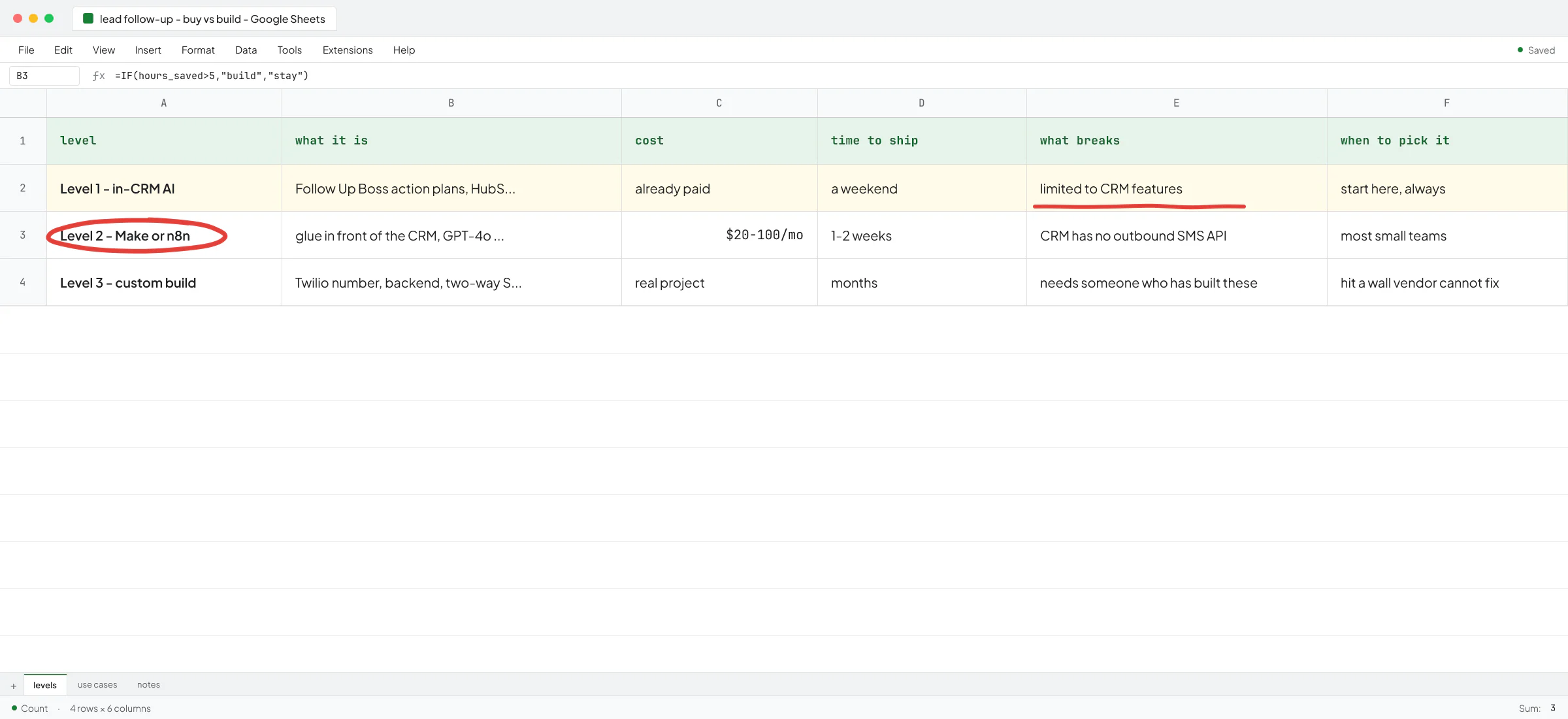
Outside help usually pays back in two situations. The first is when you've hit the ceiling on the off-the-shelf tools and need a thin custom layer - a connector between your books and your CRM, a structured intake form that drops data into the right places, a margin dashboard that pulls from three systems. The work isn't AI-heavy; it's plumbing with an AI assist at the end. If you're trying to decide whether you need an AI consultant or an AI engineer for this, the short version is that a consultant scopes it, an engineer builds it, and a lot of small firms need both at different stages.
The second is when you've tried a custom build once and it didn't work. By far the most common version of this is the "we hired someone to build a custom GPT and it isn't doing what we hoped" story - the same shape as the Terapivakten situation above. It's recoverable; you just have to accept that the original answer was the wrong shape and rebuild it as a proper app with the right architecture.
If you're in either of those situations and want a second pair of eyes on what's worth building and what's a distraction, book a call with Vlad and bring the workflow you're stuck on.
FAQ
Is AI worth it for a small accounting firm in 2026?
For document extraction, client communication, and internal Q&A, the payback is fast and the risk is low because a human reviews every output. For autonomous ledger work or tax research, the answer is no - the error modes are too expensive. Start with the first list and leave the second list to the big firms with compliance teams.
Will AI replace bookkeepers and junior accountants?
Not soon, and not the way the hype suggests. What it does change is what a junior spends the day on. Less keying receipts into QuickBooks, more reviewing AI extractions and handling the cases the AI flagged. The job shifts from data entry to exception handling, which is a more valuable skill anyway.
What's the cheapest way to start with AI at my firm this month?
Put the team on ChatGPT Business or Claude Team so your inputs don't train the model, write a one-page rule on what client data can go in, and build a shared prompt library for the work you do most often. That's a week of work and the running cost is per-seat software you can cancel anytime.
How do I keep client data safe when the team is using ChatGPT?
Three things. Pay for a business-tier plan where the vendor commits not to train on your data. Write down what categories of client information are okay to paste in and which are not. Audit it occasionally - random spot-checks of what the team has been using AI for. The detailed version is in this guide on ChatGPT and confidential information.
Should I build a custom AI tool for my firm or buy one?
Buy first. Almost every small firm has more to gain from properly configuring Dext, QuickBooks's own automations, Notion AI, and a paid ChatGPT or Claude plan than from a custom build. Custom only makes sense once you've used the off-the-shelf tools long enough to know exactly where they fall short and the gap is worth real money to close.
Can AI do my firm's tax research?
It can give you a first-draft summary and remind you what to look up. It cannot be your primary source - LLMs invent citations, mix up jurisdictions, and miss recent guidance. Treat it as a junior associate's first pass that always needs verification against primary sources.