Short answer: no, not fully. But a lot more of it can run without you than most owners realize, and the parts that can are worth a lot of money.
I get this question on almost every discovery call. Usually it comes from an owner who saw a post on LinkedIn or Instagram about someone running a "fully automated business" with AI agents. Then they open their inbox on Monday morning and realize their inbox alone would break any of the setups from those videos.
A better question to ask is which parts of your business can run end-to-end without you, which parts need a human in the loop, and which parts should stay fully human. This piece is about how to tell them apart.
What "fully automate" actually means
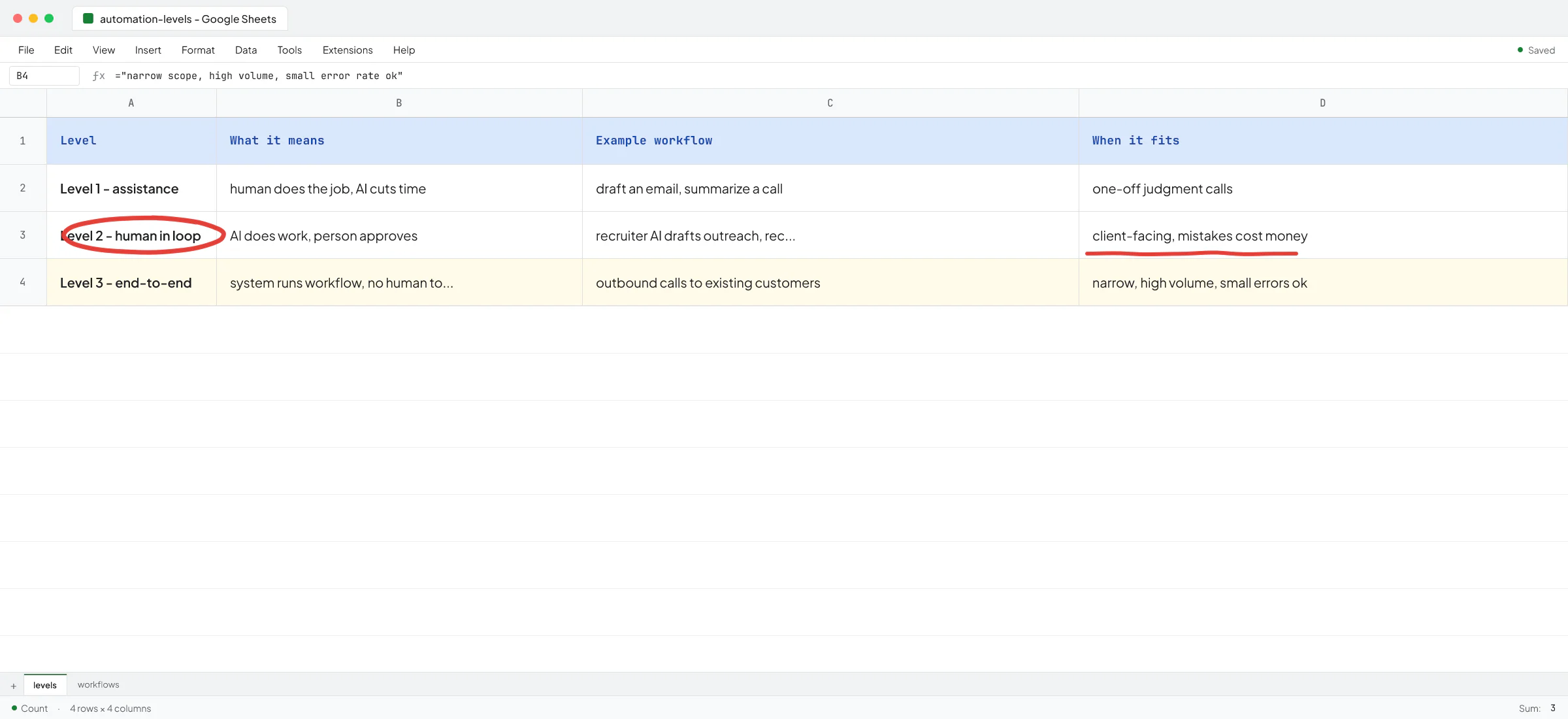
There are three levels of automation, and people mix them up all the time.
- Level 1 - assistance. You use ChatGPT or Claude to write faster, summarize a call, draft an email. The human still does the job; AI cuts the time. Most small firms are here today.
- Level 2 - human in the loop. The AI does the work, a person reviews and approves. Good for anything client-facing where a mistake costs money or trust. A recruiter's AI drafts the outreach, the recruiter clicks send.
- Level 3 - end-to-end. The system runs a whole workflow with no human touching it. The customer talks to it, the CRM gets updated, the invoice goes out. This is what people mean when they say "fully automate a business".
Level 3 is possible for narrow workflows. It isn't possible for a whole business, and anyone selling you that is either exaggerating or not shipping.
Where end-to-end automation works today
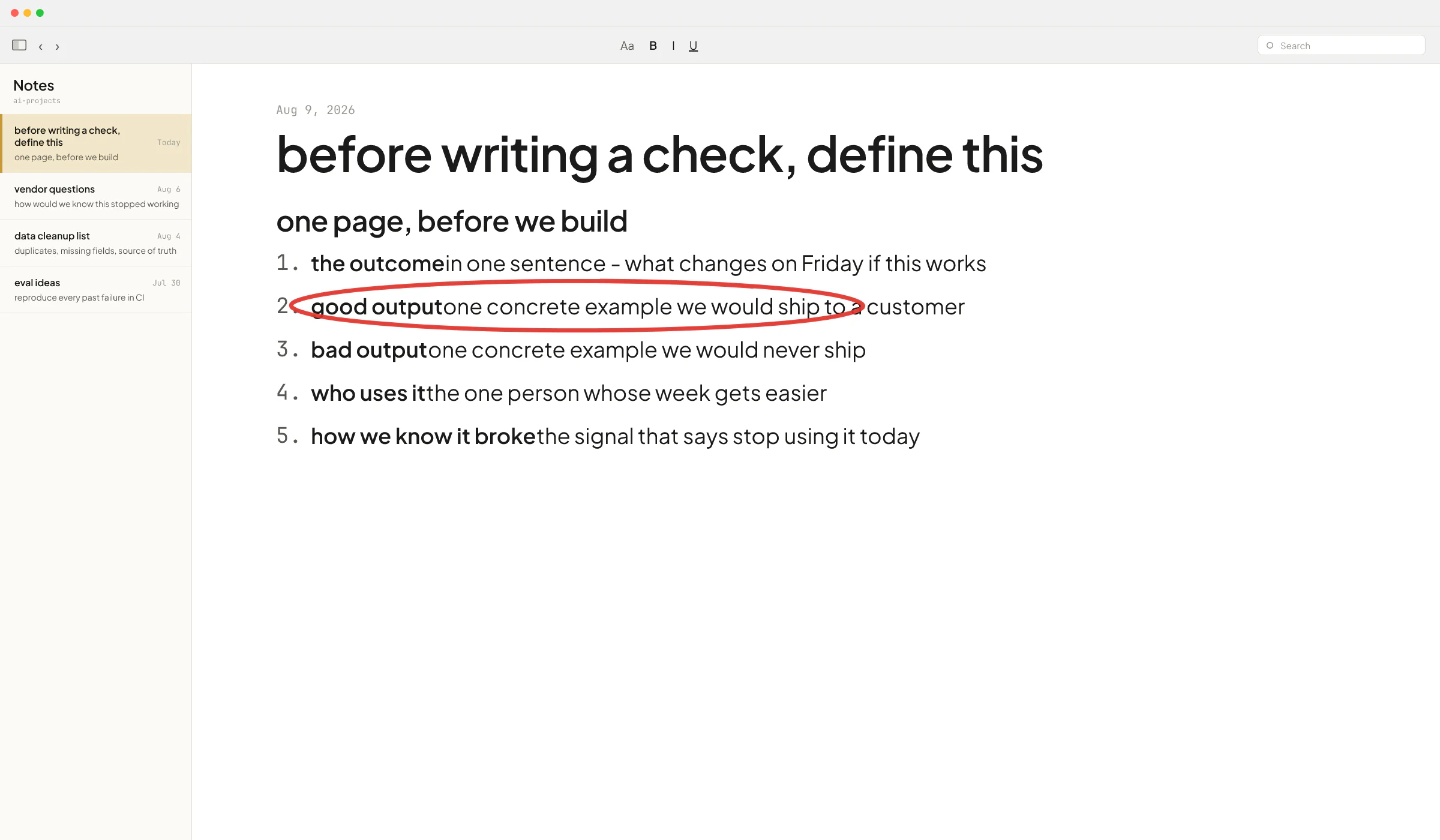
The pattern I see holding up in production is narrow scope, high volume, a clear success signal, and tolerance for a small error rate.
At Sellify AI, where I spent two years as an AI engineer, the system runs outbound conversations with customers of pest control companies end-to-end (no sales rep in the loop). In one campaign month, HomeTeam generated over $1M in new mosquito service revenue and grew year-over-year mosquito sales 112% with zero new hires and the existing sales team fully focused on new-customer acquisition the whole time. Mike Johnson, VP of Operations at HomeTeam, put it this way: "Once you start the program, it does its thing. You don't have to manage it."
Customers on those calls interacted with the AI as if it were a real person. Some called the local branch office to confirm that "Anna" was a real team member. That's Level 3 in the wild, and it works because the workflow is narrow (call an existing customer, offer one add-on, book if interested), volume is high enough to be worth the build, and a small error rate is survivable.
For a recruitment AI startup I work with as a contractor, I built an end-to-end job-monitoring agent that watches job portals, filters postings against each recruiter's preferences, finds relevant candidates in Apollo, and sends the recruiter a WhatsApp with the details. No human touches it between the portal and the notification. It works because the output is a notification, not an action taken on someone else's behalf. If the AI is wrong, the recruiter ignores it. Low blast radius.
For Terapivakten in Norway I built a course-lesson generator that produces 10,000-word Norwegian lessons end-to-end. The founder, Ove André Remme, had first hired a freelancer with 20+ five-star reviews who spent two weeks building a ChatGPT agent that couldn't do the job. Ove talks through what went wrong in a short video - the ChatGPT agent produced 40% less content than needed, and when pushed for more, the output turned unnatural. The end-to-end pipeline I built replaced it, and Ove now runs it without touching the underlying system.
Where "fully automated" breaks
The failure pattern is almost always the same: someone points one general AI agent at a complex, ambiguous workflow with a lot of edge cases and expects it to just handle it.
A client of mine (an AI SaaS for recruitment) had their team - none with AI experience - connect an analytics agent directly to their production database through a LangChain SQL library. In theory that's flexibility. In practice, when users asked ambiguous questions, the AI generated incorrect SQL, and no one could tell why. When I looked at actual usage, there were 5 or 6 reporting questions users kept asking, so we replaced the "any question, any SQL" agent with tool calls that ran parametrized queries for those specific cases. We traded flexibility we weren't using for correctness on the queries that mattered.
Same idea in a story an owner told me last month about someone who let an AI agent run their inbox. They gave it read-write access, tested on simple cases, and it worked. Then one day the context window overflowed, the model got confused, and the inbox got wiped. That's the tradeoff of more access to AI: more value, but also more risk. End-to-end automation of the whole inbox is a bad idea. End-to-end automation of "read every email, tag urgent ones, draft replies for me to send" is a good one.
The other place it breaks is when people underestimate scale. My recruitment client's system was fine with 2-3 recruiters testing. When they rolled out to dozens and hundreds of new job postings started flowing in, response speed collapsed - every job for every recruiter meant multiple LLM calls with reasoning models. I had to redesign the pipeline around smaller, faster models with tighter outputs. Quality dipped slightly, speed and cost improved a lot. With current models, when you get less intelligence you usually get more speed and lower cost, and on Level 3 systems at scale that tradeoff is often worth it.
The realistic target for a small B2B firm
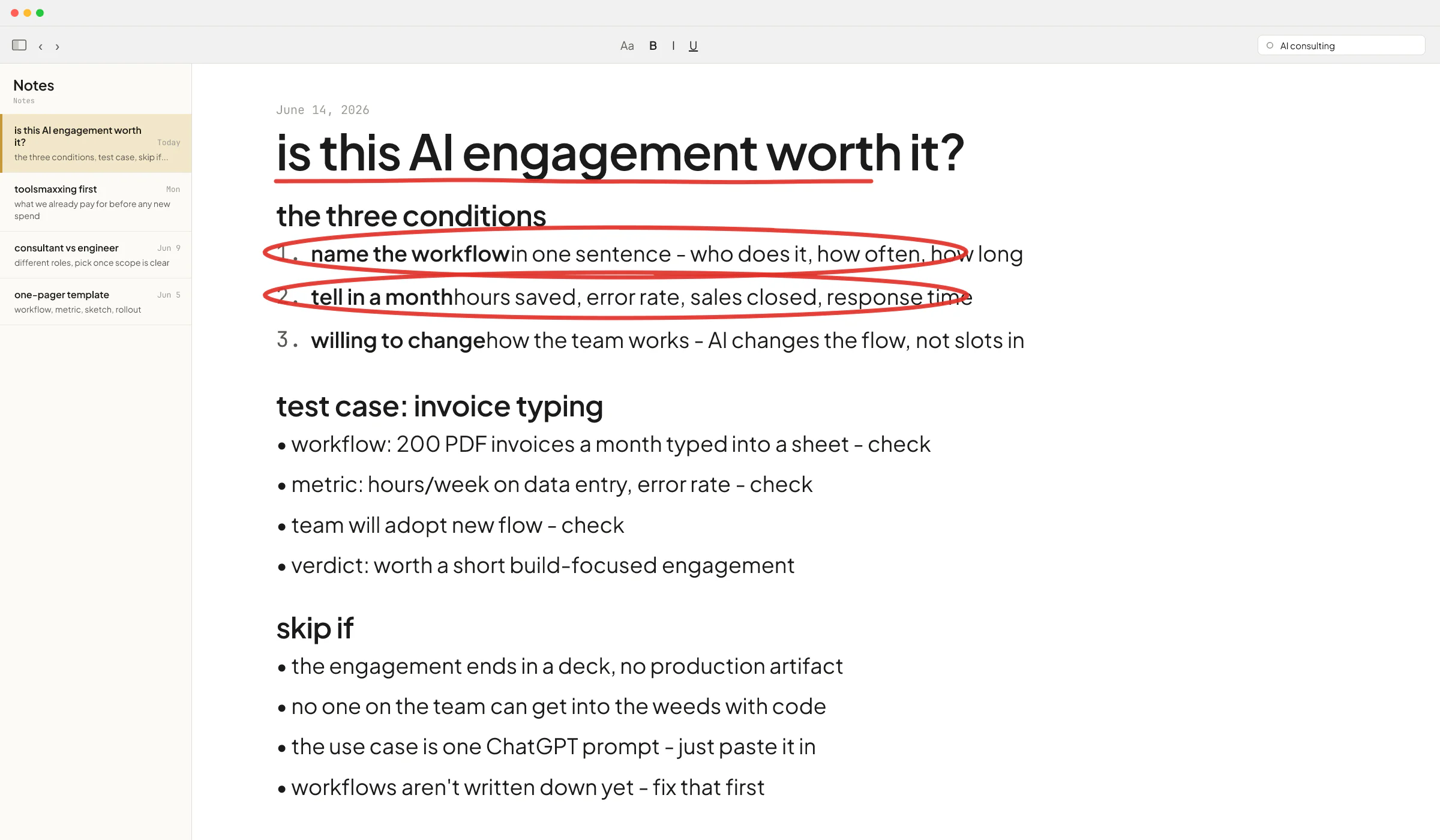
Instead of asking whether you can fully automate, ask three narrower questions.
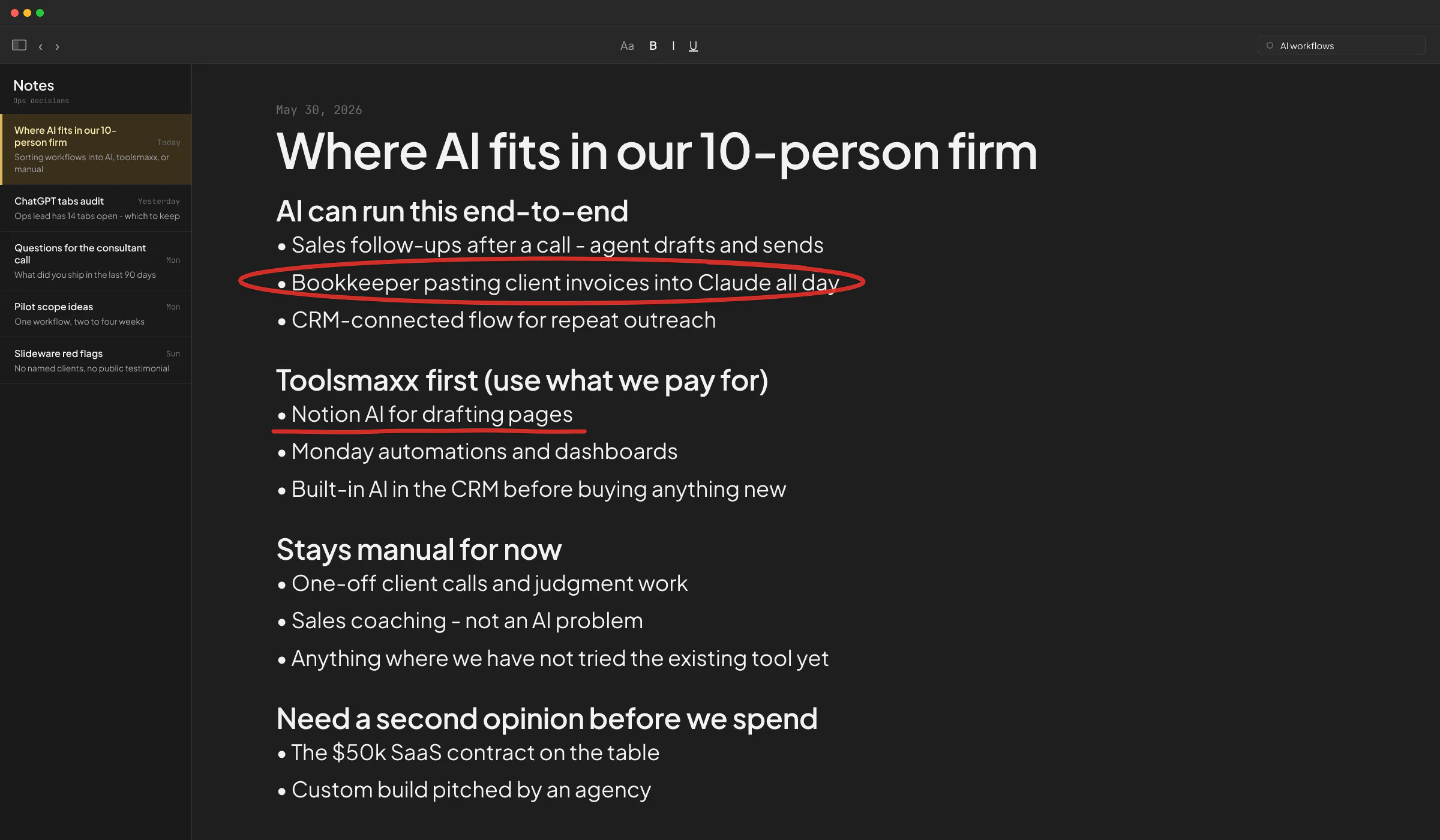
- Which workflows are high-volume and narrow? Those are your Level 3 candidates. Outbound to existing customers, tenant maintenance triage, invoice extraction and categorization, lead scoring from public data, monitoring and notifying. If it's the same task done hundreds of times, it's worth an end-to-end build.
- Which workflows are client-facing with low tolerance for mistakes? Those stay Level 2. Sending a proposal, replying to a complaint, signing anything, moving money. AI drafts, human approves. The approval step is cheap and the mistake cost is high, so keep the human.
- Which workflows are one-off judgment calls? Those stay Level 1. Deciding whether to fire a client, reading a difficult contract clause, anything strategic. Use AI to think faster, and let yourself decide.
If you run this exercise honestly on your firm, you'll usually find that a meaningful chunk of your operational hours can move to Level 2 or Level 3. That's not "fully automated". It is a lot of hours back.
What to build first
Pick one workflow that is high-volume, narrow, and where a small error rate is survivable. Ship a small version. Watch it run for a few weeks. Fix what breaks - and by fix, I mean find the root cause, not tweak the prompt and hope.
There's a big difference between "the AI hallucinated once, let me adjust the wording" and "the AI hallucinated because this edge case wasn't in the eval set, let me add it, fix the underlying prompt, and set up a test that catches this scenario on every future change". The second approach is what actually compounds.
Once the first workflow runs on its own, pick the next one. That is how you end up with a firm where a lot runs without you - not by buying "an AI agent that does everything", but by shipping a handful of narrow automations that each hold up.
If you want to skip the LinkedIn-and-YouTube tour and get a straight read on which of your workflows are Level 3 candidates and which aren't, book a call. I'll ask about your operations and tell you where I'd start.
FAQ
Can AI fully replace employees?
Not in the general sense. AI can replace specific tasks inside a role - drafting, sourcing, first-pass triage, outbound calls in narrow scripts. It can absorb enough tasks that you might not need to hire the next person, or that one person can do the work of two. But replacing an entire role only works when the role itself is one narrow high-volume task, and that's rare in a small B2B firm.
What percentage of a small business can realistically run on AI today?
From what I see across clients, a meaningful chunk of operational hours is a realistic target in the first year. That's a mix of Level 3 end-to-end automations for the narrow, high-volume work and Level 2 human-in-the-loop assistance for everything client-facing. Getting higher is possible but takes multiple years of building, and returns diminish past a certain point.
Why do so many AI projects fail?
The pattern I see most: someone points a general AI agent at an ambiguous workflow with a lot of edge cases and expects it to just handle it. When it fails, they blame the AI. The root cause is usually scope - the workflow was too broad for one agent to reliably do. Splitting the same work into a team of smaller specialized agents, each doing one narrow thing, is what usually fixes it. See this case study for a concrete example.
Is a ChatGPT custom agent enough to automate a real workflow?
Sometimes yes, usually no. A custom GPT is fine for a workflow that is genuinely just "answer questions about this document" or "draft this kind of email". For anything that needs to reliably produce long structured output, call multiple external tools in sequence, or handle edge cases without breaking, a real build beats a custom GPT every time. This is the exact failure mode Ove hit at Terapivakten before we rebuilt his course generator.
Should I hire an AI consultant, buy a SaaS tool, or build custom?
Depends on the workflow. For common problems where a mature SaaS exists (call recording, CRM enrichment, meeting summaries), buy. For workflows specific to how your firm operates and where the ROI is clear, build. I wrote more on when hiring an AI consultant is worth it and on AI consultant vs AI engineer if you want the longer version.
What happens when the AI provider is down?
Real thing to plan for. OpenAI has a public status page and does have outages. For any Level 3 workflow you need a fallback: retry with a different provider, queue the request, or notify a human. Skipping this step is one of the fastest ways to have a very bad Monday.